NexRide Bike Setup: Customize, Charge, and Ride Faster
Get your NexRide bike setup ready with key controls, bike customization, charging locations, Sports mode tips, and cash rewards for your next city ride.
Jump to
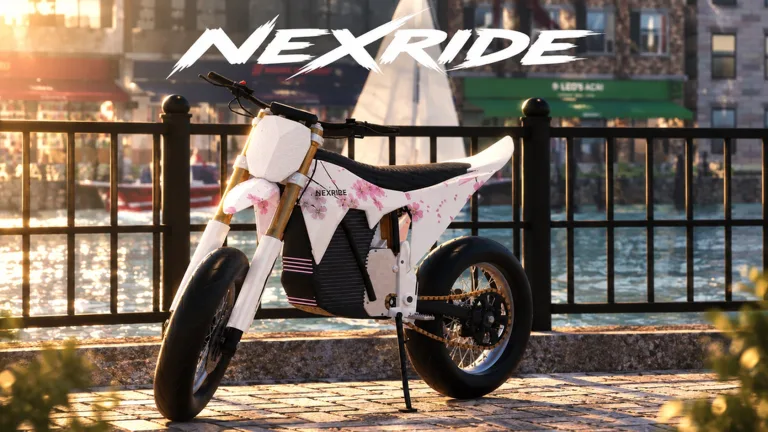
NexRide Bike Setup: Get Your Bike Ready to Ride
Your NexRide bike setup starts with getting the bike running, raising the kickstand, and choosing a riding mode you can control. That matters because extra speed comes with little benefit if you tip over or turn a routine ride into an expensive police stop. Build your NexRide bike setup around the essentials below, then head to the bike customization area when you’re ready to change its appearance or performance.
In this Roblox city, your bike connects nearly everything you do: exploring streets, riding with friends, earning cash, and getting into trouble with traffic enforcement. Learn the basic controls before spending money on another ride.
Start with the key and kickstand
For keyboard play, follow this starting sequence:
- Get on your bike.
- Press 1 to equip your main key.
- Use the key.
- Click the kickstand to raise it.
- Start riding once the kickstand is up.
Keep that sequence handy when a newly retrieved bike seems ready to go but you haven’t completed the startup steps. Equipping the key and using it are separate actions.
| Control or interaction | What it does |
|---|---|
| Press 1 | Equips your main key |
| Use the equipped key | Starts the bike |
| Click the kickstand | Raises it before riding |
| Press T | Opens your phone |
| Open the phone’s garage | Lets you bring your bike back home |
The phone is another part of your riding routine. It gives you access to the garage and map, so learn where those apps are before heading across the city.
For your opening ride, concentrate on starting, stopping, and turning through ordinary streets. Follow traffic signals while you get comfortable with the bike’s physics. Leave wheelie practice and faster riding until you can handle the basic trip without tipping over.
Official page: NexRide (roblox.com)
Find the Bike Hub, Customize, and Recharge
Your next stop for a NexRide bike setup is the bike customization area. Open the phone with T, check the map, and look for Bike Hub. Start a route from the phone to find your way there.
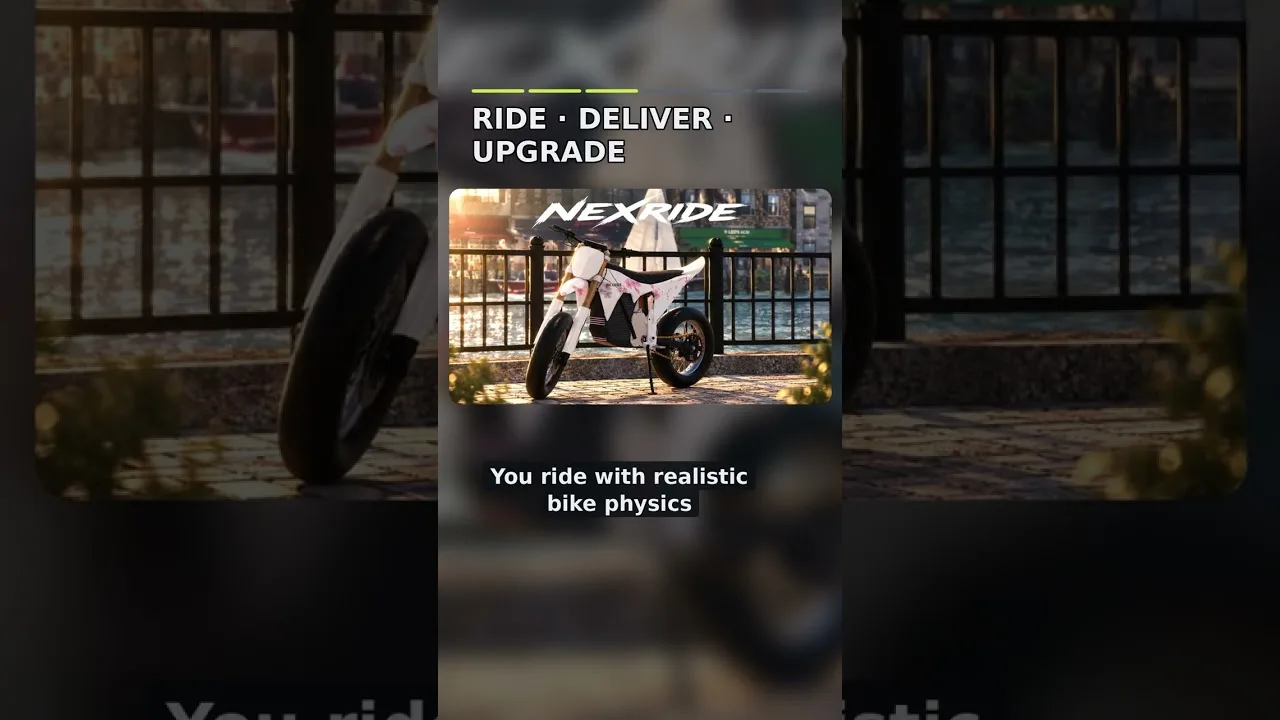
The bike shops provide access to customization and charging. Use that destination as a practical checkpoint: visit when you want to change your ride, inspect performance options, or recharge a depleted bike.
Separate appearance changes from performance changes
NexRide supports both bike customization and performance upgrades. Decide what you want from the visit before spending: a different look, a performance change, or another bike.
| Destination or feature | What you can do there |
|---|---|
| Phone map | Find Bike Hub and start a route |
| Bike customization area | Change your bike’s setup |
| Performance upgrades | Upgrade bike performance |
| Charging at the bike shops | Recharge your bike |
| Garage | Access your bike, including a purchased replacement |
Change one part of your NexRide bike setup at a time, then ride before making another adjustment. That gives you a clearer comparison between the bike you already know and the change you just made.
Keep cosmetic spending separate from decisions about how the bike rides. Pick appearance options because you like them, and evaluate performance changes through the handling and speed you experience afterward.
Make charging part of the trip
When your bike runs out of charge, head to the charging facilities at the bike shops. Remember that location while exploring so you know where to return.
Check your charge before setting off for another ride. If you need a recharge and also want to customize, handle both during the same visit. It keeps your attention on riding once you leave the shop.
After purchasing another bike, retrieve it through the garage. Different bikes can feel different to ride, so give a replacement its own familiarization trip. Practice turns and controlled stops before immediately pushing its speed or attempting long wheelies.
Use Sports Mode Without Losing Control
Sports mode makes the bike faster. If your ride feels slow, check the selected riding mode before assuming you need to buy another bike.
For a speed-focused NexRide bike setup, switching into Sports mode is a practical step. The next step is learning to handle that additional pace. NexRide’s bike physics allow you to tip over, so approach corners and traffic with enough room to react.
Compare the same ride in different modes
Use a stretch of road you already recognize to compare the bike’s regular behavior with Sports mode. Pay attention to how quickly you approach intersections and how much earlier you need to prepare for a turn.
Keep the comparison focused:
- Ride the bike before switching modes.
- Activate Sports mode for the faster ride.
- Repeat familiar turns and stops.
- Practice controlling that speed before adding wheelies.
Make the mode change separately from purchasing a bike or changing its performance. Otherwise, you’re comparing several changes at once.
Match your riding to the streets
Fast riding can attract police attention when it becomes reckless. Stop at red lights, obey stop signs, and watch traffic instead of treating every intersection as an open straightaway.
Use Sports mode when you want additional speed, but adjust your riding around the road ahead. Slow down for intersections and give yourself room around police vehicles.
Keep your NexRide bike setup manageable while learning a new bike. A replacement can drive differently from your previous ride, even before you start experimenting with its setup. Spend some time understanding that difference before combining unfamiliar handling, extra speed, and stunt attempts.
Fund Your Setup With Codes and Riding Rewards
Cash supports bike purchases and customization, so collect the available rewards before deciding what to spend.
As of October 23, 2026, these NexRide codes provide cash, with one also granting a temporary earnings boost. Enter them exactly as written because they are case-sensitive.
| Code | Cash reward | Additional reward |
|---|---|---|
100KVISITS | 2,500 cash | — |
200KVISITS | 3,000 cash | 2x Cash for 15 minutes |
Together, the cash rewards total 5,500. Keep that amount in mind when planning your NexRide bike setup, and inspect the in-game purchase options before committing it.
Redeem the timed boost when you’re ready
To redeem a code:
- Open the in-game store.
- Select CODES at the top of the store menu.
- Enter the code in the ENTER CODE box.
- Click REDEEM.
Save 200KVISITS for a session when you’re ready to ride. Complete your shopping, find your bike, and get comfortable with the controls before activating its 15-minute boost.
Joining the game’s Roblox group also offers a 1,000 cash reward. Collect that reward alongside your other starting funds before choosing your next purchase.
Earn through riding and other activities
Wheelies earn cash, and longer wheelies earn more. Practice extending them while keeping the bike under control. Avoid turning every attempt into a chase, especially while you’re still learning how the bike balances.
NexRide also includes work, deliveries, and memecoin trading. Use work and deliveries as alternatives when you want something besides stunt riding or police escapes. Memecoin prices move up and down, so keep money intended for your next bike purchase separate from trading funds.
Paid earnings options include a 299 Robux 2x Cash pass and a 499 Robux VIP pass. The 2x Cash pass doubles riding earnings permanently. VIP includes 25% extra cash, a daily bonus, underglow, VIP-only paint, and a VIP tag.
Choose a pass for the benefits you want, after learning the riding and customization systems.
Protect Your Cash by Avoiding Costly Riding Mistakes
A NexRide bike setup needs time on the road to become familiar. Police chases interrupt that practice, and getting caught can cost you cash.
Running red lights, disregarding road signs, colliding with police cars, and reckless riding can bring police into the picture. Follow the road rules while traveling between your garage and the bike shops, particularly when carrying cash you want to spend.
| Situation | What happens or what to watch for |
|---|---|
| Running a red light | Can trigger police pursuit |
| Reckless riding | Can attract police attention |
| Colliding with a police car | Can start a chase |
| Getting caught | Can result in a fine and your bike being taken |
| Escaping a chase | Can earn cash |
A capture can mean a 200 cash fine. Escaping can pay around 400–600 cash, but successfully getting away requires handling the pursuit. Keep those competing outcomes in mind before making chases part of your money routine.
Prioritize control during a pursuit
During a chase, concentrate on steering and staying mobile. Reduce wheelie attempts when police are following you; balancing a stunt adds another task while you’re already trying to escape.
Avoid hitting police vehicles, and keep your attention on the road. If officers take your bike and pursue you on foot, the chase can continue until you’re caught.
For routine setup trips, follow this checklist:
- Equip and use the key.
- Raise the kickstand.
- Check your riding mode.
- Recharge at the bike shops when needed.
- Follow traffic signs and signals.
- Practice a changed setup before pushing its limits.
Finish each change with a controlled ride. That gives your NexRide bike setup a purpose beyond looking different: you understand how the bike behaves, where to recharge it, and how to get around without constantly losing cash to fines.
FAQ
How do I start riding with my NexRide bike setup?
Get on the bike, press 1 to equip the main key, use it, and click the kickstand to raise it. Once those steps are complete, you can ride. Press T when you need the phone’s map or garage.
Where can I customize and charge my bike?
Open your phone’s map, find Bike Hub, and start a route there. The bike customization area lets you change your setup, and charging is available at the bike shops. Return there when your bike needs a recharge.
How do I make my bike faster in NexRide?
Switch the bike into Sports mode for faster riding. NexRide also supports performance upgrades. Practice controlling the bike after each change, especially around turns and traffic, because you can tip over.
Which codes help pay for bike customization?
As of October 23, 2026, 100KVISITS gives 2,500 cash, while 200KVISITS gives 3,000 cash and 15 minutes of 2x Cash. Redeem them through the store’s CODES menu, using the exact capitalization shown.
Continue with
 NexRide Dirtbikes: Update Dates and Riding Prep GuideGet ready for NexRide dirtbikes with the October update dates, bike controls, customization tips, and ways to earn cash before heading out onto the trails.
More in Bikes
NexRide Best Bike: Price, Upgrades, and Buying Guide
Find your NexRide best bike with a 15,000 cash target, sports mode tips, charging help, and earning strategies. Plan the next upgrade before spending cash.
NexRide Kickstand: How to Raise It and Start Riding
Raise the NexRide kickstand, use your main key, and get your bike moving. Learn startup steps, charging basics, garage controls, and riding tips today.
NexRide Main Key: How to Start and Ride Your First Bike
Use the NexRide main key to start your bike, raise the kickstand, and get riding. Learn the PC controls, garage access, charging stops, and riding basics.
NexRide Performance Upgrades: Bike Setup and Speed Guide
Explore NexRide performance upgrades, switch to sports mode, find bike customization, and earn cash for your next bike with riding tips and code rewards.
Continue exploring
Join the community
Official channels for news, updates and player help: