NexRide Controls: Keys, Bike Setup, and Riding Guide
Learn NexRide controls for your main key, kickstand, phone, and garage. Get your bike moving, use the map, and handle traffic with practical riding tips.
Jump to
NexRide Controls: The Keys and Clicks to Know
Getting your bike ready takes more than climbing onto the seat. The essential NexRide controls are 1 to equip your main key, T to open your phone, and clicks to interact with the key and kickstand. Learn those NexRide controls early so you can get moving, find your garage, and navigate the city without fumbling through menus.
Here are the keyboard inputs and bike interactions to keep handy:
| Action | Input or interaction | What it does |
|---|---|---|
| Get onto your bike | Click the bike | Puts you on the bike |
| Equip your main key | Press 1 | Brings out the key for the startup sequence |
| Use your main key | Click with the key equipped | Uses the key before riding |
| Raise the kickstand | Click the kickstand | Lifts the stand before you head out |
| Open your phone | Press T | Gives you access to the garage and map |
Think of these NexRide controls as two connected routines: prepare the bike through direct interaction, then use the phone to manage destinations and garage access.
Start by practicing somewhere you can concentrate on the bike. Equip the key, use it, and raise the stand before turning your attention to the street. Once that sequence feels familiar, navigation becomes much easier to fit into your ride.
You can jump into the experience through the NexRide game page on Roblox.
How to Get Your Bike Ready to Ride
The startup sequence is the first routine to learn. If you jump straight from mounting the bike to trying to leave, it is easy to overlook the key or kickstand interaction.
Follow this order:
- Click your bike to get on. Start with the bike itself before reaching for the phone.
- Press 1 to equip your main key. This brings out the item used during startup.
- Click to use the key. Complete the key interaction before moving on to the stand.
- Click the kickstand to raise it. Finish this step before heading into the road.
- Begin your ride carefully. Give yourself room to get familiar with the bike’s handling.
Keep your attention on each interaction instead of rushing through the sequence. Learning NexRide controls is easier when you connect each input with its purpose: the key prepares the bike, the stand gets raised, and the phone handles your next destination.
Check the Setup Before Chasing Speed
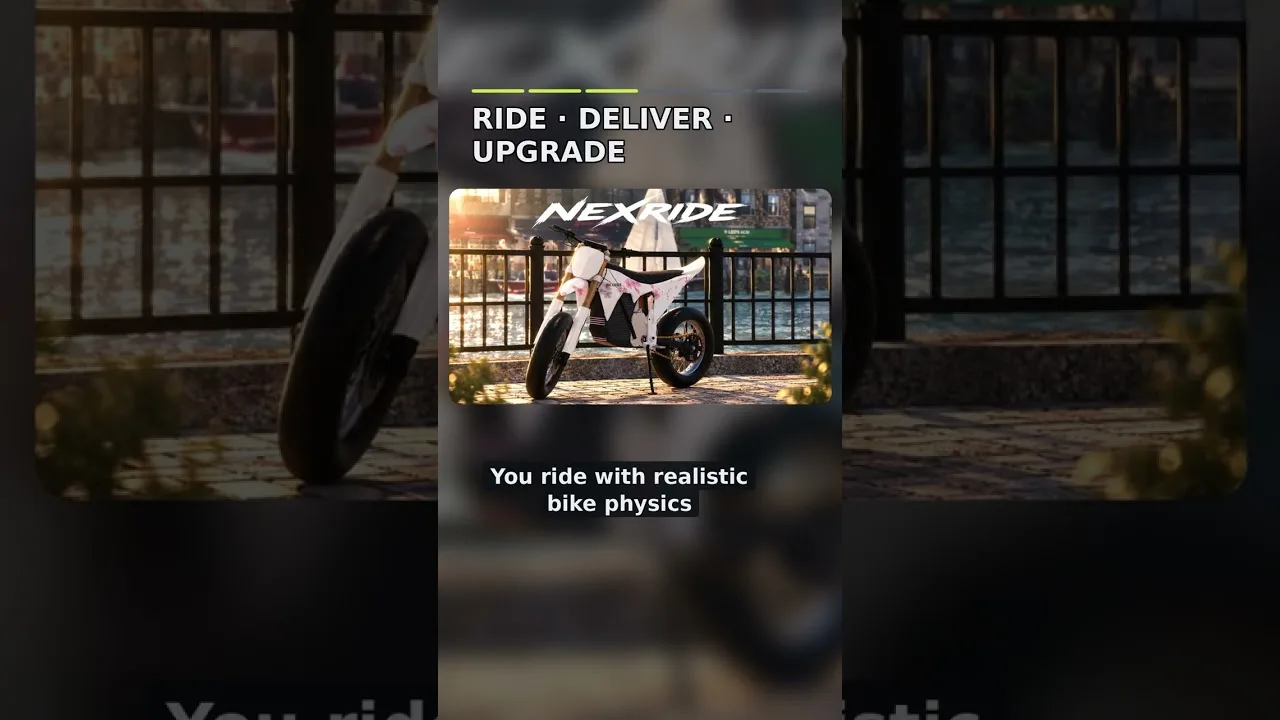
NexRide uses realistic bike physics, and bikes can tip over. Give yourself space when getting used to a bike, especially after switching to a different one.
Different bikes also handle differently. Spend some time adjusting to your new ride before heading into busy traffic or attempting wheelies. Carrying the same habits straight over from another bike can make the change harder to manage.
Sports mode increases speed. If your bike feels slow, check whether it is in sports mode before deciding you need another purchase.
Get comfortable with the bike’s normal behavior first. Then try the faster mode with room ahead of you. The extra speed is useful, but learning the handling gives you a better foundation for riding through intersections and around traffic.
Use Your Phone for the Garage and Map
Press T to open your phone. It connects several practical parts of riding: bringing your bike home through the garage, finding destinations on the map, and starting a route.
| Phone feature | What you can do | How it fits into a ride |
|---|---|---|
| Garage | Bring your bike back home | Manage the bike through the phone |
| Map | Find destinations, including the bike hub | Locate bike services around the city |
| Route navigation | Start a route to the bike destination | Follow directions toward customization and charging |
Practice opening the phone before you need it during a longer trip. Knowing where the garage and map sit makes these NexRide controls easier to use when you have a specific task in mind.
Find Customization and Charging
Open the map and locate the bike hub destination. Start a route, then travel to the bike shops for customization and charging.
You can change your bike’s setup and upgrade its performance as part of customization. Charging is another reason to visit: when your bike runs out of charge, you can charge it at the bike shop.
Make finding this destination part of learning the city. Reach it during a straightforward ride so you know how to return when you want to customize your bike or deal with an empty battery.
Check your destination before setting off. Once you know where you are going, focus on the road and use the route to guide the trip.
Handle Traffic, Sports Mode, and Police Chases
NexRide controls matter most when the city starts demanding your attention. Working traffic, road signs, bike physics, and police all affect how a ride plays out.
Traffic lights are especially important. Stop at red lights and proceed on green. Running a red light can trigger a police chase, so watch the intersection ahead instead of concentrating entirely on your bike.
| Situation | What happens | What to do |
|---|---|---|
| Red traffic light | Riding through can attract police | Stop and wait for green |
| Reckless riding | Police can begin a pursuit | Keep your riding controlled |
| Collision with a police car | You can attract police attention | Leave space around police vehicles |
| Police capture | You can receive a fine and lose access to your bike | Avoid turning a casual ride into a chase |
Pay attention to stop signs as well. The city rewards your attention in a practical sense: following road rules helps you avoid the interruptions and costs that come with police trouble.
Give Yourself Room to Handle the Bike
A bike can tip, and a faster ride leaves less time to react. Approach traffic with enough space to respond, especially while adjusting to sports mode or a recently purchased bike.
Practice these habits:
- Watch traffic lights before entering an intersection.
- Leave room between your bike and police cars.
- Learn a bike’s handling before pushing its speed.
- Keep wheelie practice separate from learning a busy route.
Treat sports mode as another part of managing the bike. Use it after you are comfortable with the handling, and pay attention to the road as your speed increases.
Keep Police Chases in Perspective
Escaping police can earn money, but getting caught carries a cost. A capture can result in a fine, and police can take your bike.
If you are trying to reach the bike shop or learn your route home, follow the traffic rules and finish that task first. Adding a pursuit makes both navigation and bike handling more demanding.
During a chase, prioritize keeping control. Avoid adding wheelies when you are already concentrating on getting away. The extra riding income is less appealing when a mistake ends with a fine.
Put Your Riding Skills to Work
Once the NexRide controls feel comfortable, you can start connecting riding with earning money. Wheelies generate cash, and longer wheelies increase the amount you earn.
That gives you a reason to practice balance, but start with manageable attempts. Work on holding the bike steady and returning to ordinary riding before stretching each wheelie farther.
| Money activity | How it works | Practical next step |
|---|---|---|
| Wheelies | Earn cash while riding on one wheel; longer wheelies earn more | Practice where you have room to concentrate |
| Police escapes | Earn money by escaping a pursuit | Learn bike handling before seeking a chase |
| Work and deliveries | Earn money through jobs and delivery activities | Try these alongside riding practice |
| Memecoin trading | Trade memecoins as another way to build wealth | Keep trading separate from your riding routine |
Practice One Riding Task at a Time
Build a simple practice loop around the actions you already need:
- Get onto the bike and complete the key-and-kickstand sequence.
- Open the phone and choose a destination.
- Follow traffic lights and road signs on the way there.
- Visit the bike shop to familiarize yourself with its services.
- Practice wheelies separately when you have room to focus.
This connects the controls with real tasks. You are learning how to prepare the bike, travel somewhere useful, and manage the ride along the way.
Keep navigation practice and earning attempts distinct while you are learning. Finish a trip to the shop before trying to extend a wheelie. Learn how your bike responds before making a police escape your next objective.
Spend Time on Handling Before Spending on Another Bike
Customization and performance upgrades are part of NexRide, but a purchase also means getting familiar with a different setup. Check sports mode and spend time learning your current bike before replacing it because it feels slow.
When you do change bikes, repeat the basic routine. Get ready, ride carefully, and adjust to its handling before pushing harder.
The useful NexRide controls are the ones you can apply without losing track of the street. Build that familiarity through ordinary trips, then add speed, wheelies, and more demanding rides as you get comfortable.
FAQ
What are the essential NexRide controls?
Press 1 to equip your main key and T to open your phone. Click the bike to get on, use the equipped key, and click the kickstand to raise it before riding.
How do you open the garage in NexRide?
Press T to open your phone, then open the garage. The garage lets you bring your bike back home.
How do you make your bike faster in NexRide?
Switch the bike into sports mode for increased speed. You can also customize your bike and upgrade its performance. Get familiar with its handling before riding faster through traffic.
Where do you charge your bike in NexRide?
Charge your bike at the bike shop. Open the map on your phone, find the bike hub destination, and start a route to reach the bike services.
Continue with
 NexRide Reputation Guide: Riding, Cash, and Bike TipsBuild your NexRide reputation with practical riding tips, bike customization, cash strategies, police chase advice, and codes for your next city session.
More in Guides
See all GuidesContinue exploring
NexRide Badges: Unlock Status and Player Reward Guide
Looking for NexRide badges? Check the current badge status, understand VIP and cash rewards, and plan your next ride with practical bike and money tips.
NexRide City Exploration: Routes, Bikes, and Riding Tips
Master NexRide city exploration with tips on phone navigation, bike customization, charging, traffic rules, and earning cash while riding around the city.
Join the community
Official channels for news, updates and player help: