NexRide Best Bike: Price, Upgrades, and Buying Guide
Find your NexRide best bike with a 15,000 cash target, sports mode tips, charging help, and earning strategies. Plan the next upgrade before spending cash.
Jump to
What Is the Best Bike in NexRide?
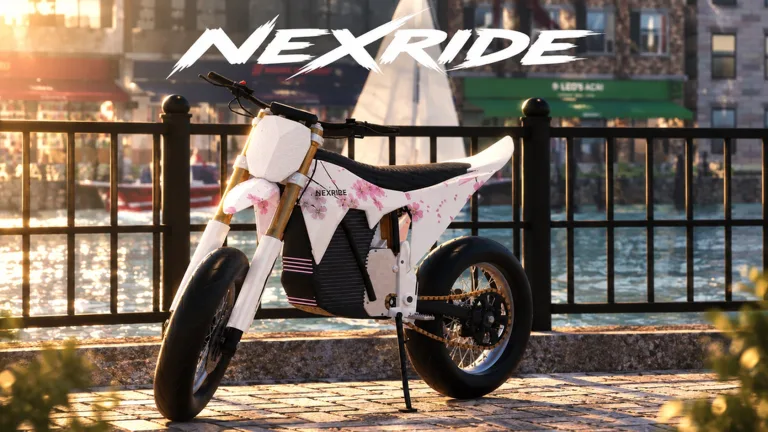
The NexRide best bike purchase target is the bike priced at 15,000 cash. Getting there takes more than earning the purchase price: you also need to manage charging, learn the handling, and avoid fines. Use this NexRide best bike guide to plan your purchase and get comfortable with the ride once it reaches your garage.
Start with that 15,000 cash target, then work through the practical details. NexRide lets you upgrade performance and customize your setup, while sports mode gives you another way to increase riding speed. Your bike choice matters, but so does how you operate it.
| Bike Feature | What It Means in NexRide |
|---|---|
| Purchase target | The top bike costs 15,000 cash |
| Handling | Different bikes ride differently |
| Performance upgrades | You can upgrade your bike’s performance |
| Customization | You can change your bike setup |
| Sports mode | Switching into this mode increases speed |
| Charging | Bikes need charging, with charging available at the bike hub |
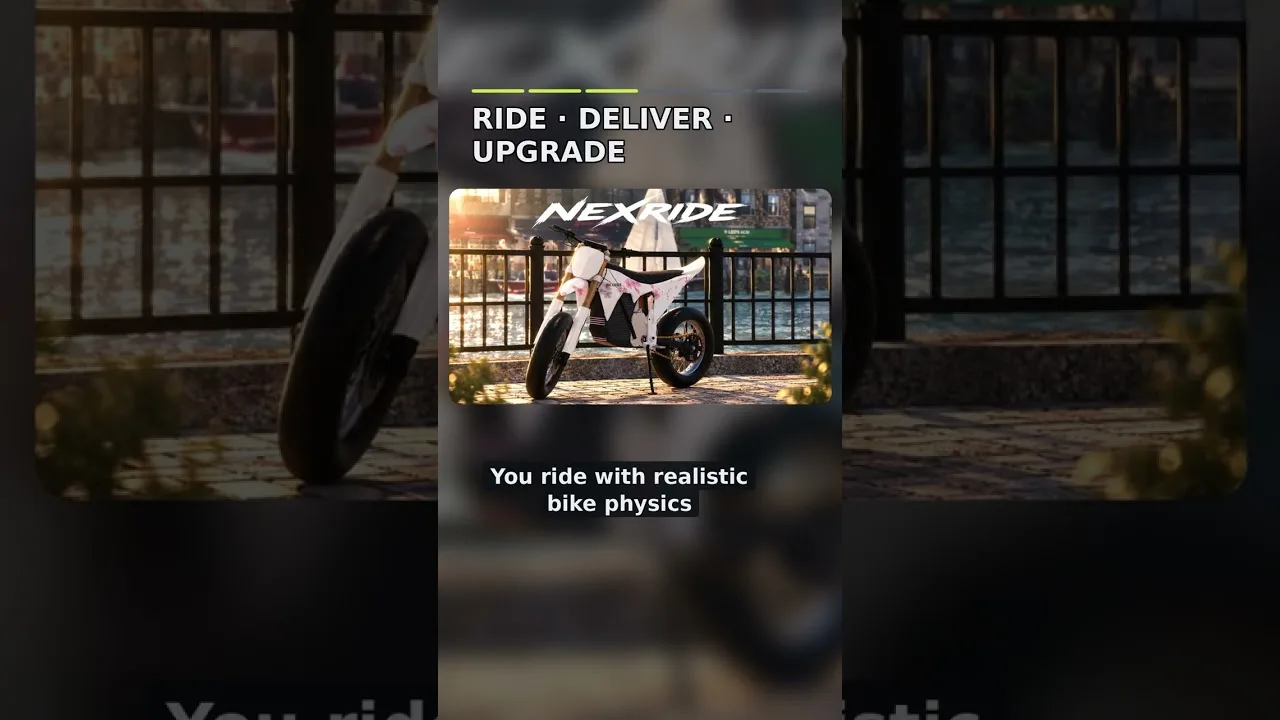
Treat the NexRide best bike purchase as the start of learning a different ride. Take time to understand how it responds before pushing through traffic or trying to escape police. The riding system uses realistic bike physics, and tipping over is a concern.
Set your priorities before spending. Decide whether you are saving toward the purchase itself or working on a bike you already own. Keep the 15,000 cash goal in mind while exploring your customization options so you can track progress toward the purchase.
There is also an upcoming change to keep on your radar: the Dirtbikes and Trails content event is scheduled for October 24–26, 2026. Check the in-game bike selection when that update arrives before deciding what to buy.
Official page: NexRide (roblox.com)
Use Codes to Start Your Bike Budget
Before grinding riding cash, claim the available codes. As of October 23, 2026, two codes provide cash toward your purchase, and one includes a temporary earnings boost.
Enter them exactly as written because the codes are case sensitive.
| Code | Cash Reward | Additional Reward |
|---|---|---|
100KVISITS | 2.5K Cash | — |
200KVISITS | 3K Cash | 2x Cash for 15 minutes |
To redeem them:
- Open the in-game store.
- Select CODES at the top of the store menu.
- Enter a code in the ENTER CODE box.
- Click REDEEM.
- Repeat for the other code.
These cash rewards give you a substantial start toward the 15,000 cash purchase. Redeem the code with the temporary boost when you are ready to ride so you can put that limited window to use.
Joining the game’s Roblox group also offers a 1,000 cash reward. Claim the group reward alongside the code rewards, then check your balance to see how much more you need before purchasing the bike.
Keep those rewards in perspective. They help fund the bike, but they do not replace learning how to ride it. Use your earning sessions to practice controlling your current bike, watching traffic lights, and finding the bike hub.
Track your NexRide best bike budget by checking your balance before the purchase. Keep earning toward the 15,000 cash price while learning which setup changes you want to explore.
Earn Cash Without Letting Fines Eat It
NexRide gives you several ways to earn money, including riding, wheelies, work, deliveries, and memecoin trading. Police escapes also offer cash, although getting caught can turn that attempt into an expense.
Choose your activity around what you can complete consistently.
| Money Method | How It Works | Detail to Keep in Mind |
|---|---|---|
| Wheelies | Earn cash while holding a wheelie | Longer wheelies pay more |
| Police escapes | Earn cash by escaping a chase | Escape earnings are around 400–600 cash |
| Work | Complete work to earn money | Work is part of the game’s money system |
| Deliveries | Complete delivery activities | Deliveries provide another earning option |
| Memecoin trading | Trade coins as their value changes | Prices can move up or down |
Practice Wheelies While Keeping Control
Hold wheelies where you have room to manage the bike. Longer wheelies earn more money, so concentrate on maintaining control rather than forcing a stunt through busy traffic.
During a police chase, prioritize steering and staying upright. Save your wheelie practice for riding sessions when police are not pursuing you.
Use these sessions to get comfortable with the bike’s balance. Since different bikes handle differently, repeat that practice after a purchase instead of assuming your old riding habits will transfer perfectly.
Weigh Police Chase Rewards Against Fines
Police escapes can pay around 400–600 cash after a chase lasting roughly five minutes. Getting caught can result in a fine, including a 200 cash penalty.
Those figures make control valuable. An unsuccessful chase can reduce the cash you were saving, so avoid building your entire purchase plan around escapes you struggle to finish.
Obey stop signs and traffic lights when you want to ride without deliberately provoking a chase. Running red lights and reckless riding attract police attention.
For your NexRide best bike savings, combine activities you can manage with the code rewards. Use work or deliveries when you want another earning activity, and attempt escapes when you are ready to deal with the pursuit.
Understand Paid Cash Bonuses
NexRide also sells two passes related to earnings:
- 2x Cash costs 299 Robux and doubles money earned from riding.
- VIP costs 499 Robux and includes +25% cash, a daily bonus, a VIP tag, underglow, and VIP-only paint.
Read those benefits carefully before spending Robux. The 2x Cash pass specifically describes riding income. Choose a pass based on the benefits you actually want, and keep it separate from the bike’s in-game cash purchase.
Buy Your Bike, Retrieve It, and Customize It
Once your NexRide best bike fund reaches the purchase price, head to the bike shopping and customization area. Your phone’s map can route you to the bike hub.
On keyboard, press T to open the phone. Use the map to locate the destination and start a route. Follow road signs along the way so a shopping trip does not turn into a police chase.
| Task | Control or Location |
|---|---|
| Open the phone | Press T |
| Find the bike hub | Use the phone’s map and routing |
| Access your garage | Open the garage through the phone |
| Equip your main key | Press 1 |
| Prepare to ride | Use the key, then click to raise the kickstand |
| Customize or charge | Visit the bike hub |
After buying a bike, resetting brings the purchased bike into your garage. Open the garage through your phone to access your new ride.
Follow this sequence to keep the purchase straightforward:
- Check your cash balance against the bike’s price.
- Route to the bike hub through your phone.
- Purchase the bike you are saving for.
- Reset to have the purchased bike appear in your garage.
- Access the garage and prepare the bike for riding.
When starting the bike, equip your main key with 1, use it on the bike, and raise the kickstand by clicking it. Handle those basics before setting off.
Once you are riding, learn how the new bike responds before making further changes. Performance upgrades and setup customization are available, so give yourself a clear sense of the bike before deciding what you want to change.
Explore the customization options at the bike hub. NexRide lets you change your bike’s setup and upgrade its performance. Finish the purchase you planned, then decide which aspects of your ride you want to adjust.
Use Sports Mode and Keep Your Bike Charged
Buying the bike does not finish the setup. Check its riding mode, keep track of charging, and adjust to its handling before pushing the pace.
Switch Into Sports Mode for More Speed
Sports mode increases riding speed. If your bike feels slow, check the mode before assuming you need another purchase.
Turn it on when you want the added pace, then leave yourself room to respond to traffic and turns. Faster riding and reckless behavior can attract police attention, so watch the road as well as the bike.
For the NexRide best bike experience, build confidence with the handling before combining higher speed, wheelies, and a pursuit. Practice those elements separately so you can focus on what the bike is doing.
Charge at the Bike Hub
The bike hub also provides charging. Use your phone’s map to find it when your bike needs power.
Remember that location as part of your riding routine. It serves both customization and charging, making it a useful destination to know before you spend a session cruising around the city.
Keep Traffic Rules in Your Riding Plan
Stop for red lights and follow stop signs when you want to avoid starting trouble with police. Watch intersections carefully, especially while adjusting to a faster bike.
Ride with friends if you want company while exploring. NexRide supports group rides, and cruising together gives you another reason to learn the streets beyond chasing cash.
Put your NexRide best bike plan into practice in stages: collect the available rewards, earn the remaining cash, buy the bike, and learn its controls. Then work on speed, customization, and longer wheelies with a clearer feel for your ride.
FAQ
What Is the NexRide Best Bike Purchase Target?
The bike to save toward costs 15,000 cash. Bikes have different handling, and performance upgrades and customization are available.
How Do You Make Your Bike Faster?
Switch into sports mode for increased speed. NexRide also supports bike performance upgrades. Check your riding mode before spending on a different bike.
Where Do You Charge Your Bike in NexRide?
Charge your bike at the bike hub. Press T to open your phone, then use the map to locate the hub and start a route.
How Much Cash Do the October Codes Give?
100KVISITS gives 2.5K Cash, while 200KVISITS gives 3K Cash plus 15 minutes of 2x Cash. Enter each code exactly as written in the store’s CODES menu.
Continue with
 NexRide Bike Setup: Customize, Charge, and Ride FasterGet your NexRide bike setup ready with key controls, bike customization, charging locations, Sports mode tips, and cash rewards for your next city ride.
More in Bikes
NexRide Dirtbikes: Update Dates and Riding Prep Guide
Get ready for NexRide dirtbikes with the October update dates, bike controls, customization tips, and ways to earn cash before heading out onto the trails.
NexRide Kickstand: How to Raise It and Start Riding
Raise the NexRide kickstand, use your main key, and get your bike moving. Learn startup steps, charging basics, garage controls, and riding tips today.
NexRide Main Key: How to Start and Ride Your First Bike
Use the NexRide main key to start your bike, raise the kickstand, and get riding. Learn the PC controls, garage access, charging stops, and riding basics.
NexRide Performance Upgrades: Bike Setup and Speed Guide
Explore NexRide performance upgrades, switch to sports mode, find bike customization, and earn cash for your next bike with riding tips and code rewards.
Join the community
Official channels for news, updates and player help: